Tao Pai Pai
Tao Pai Pai sculpt I started from my basemesh to download on Gumroad
I recorded all the sculpt process, videos below
The complete sculpt process tooks me around 6 hours in Zbrush.
Then I used Renderman 21 for the render, around 2 hours.
After Renderman, I moved to Nuke for a really quick compositing. 5min.
You will see in the videos that in order to achieve this sculpt style in Zbrush, I only use Move Brush, Orb Pinch, TrimDynamic, Topology Brush and some of the Inflate Brush. I also never use the regular smooth but only the Alternative smooth. I never use brushes like Clay for example. These kinds of brushes are terrible to keep a model clean.
There is 4 ligths in my Renderman's scene, I always start from a generic scene I have created years ago now in order to always keep the same kind of render, as well as my Nuke's scene. There is an HDRI, 2 blue sides lights and one orange top light.
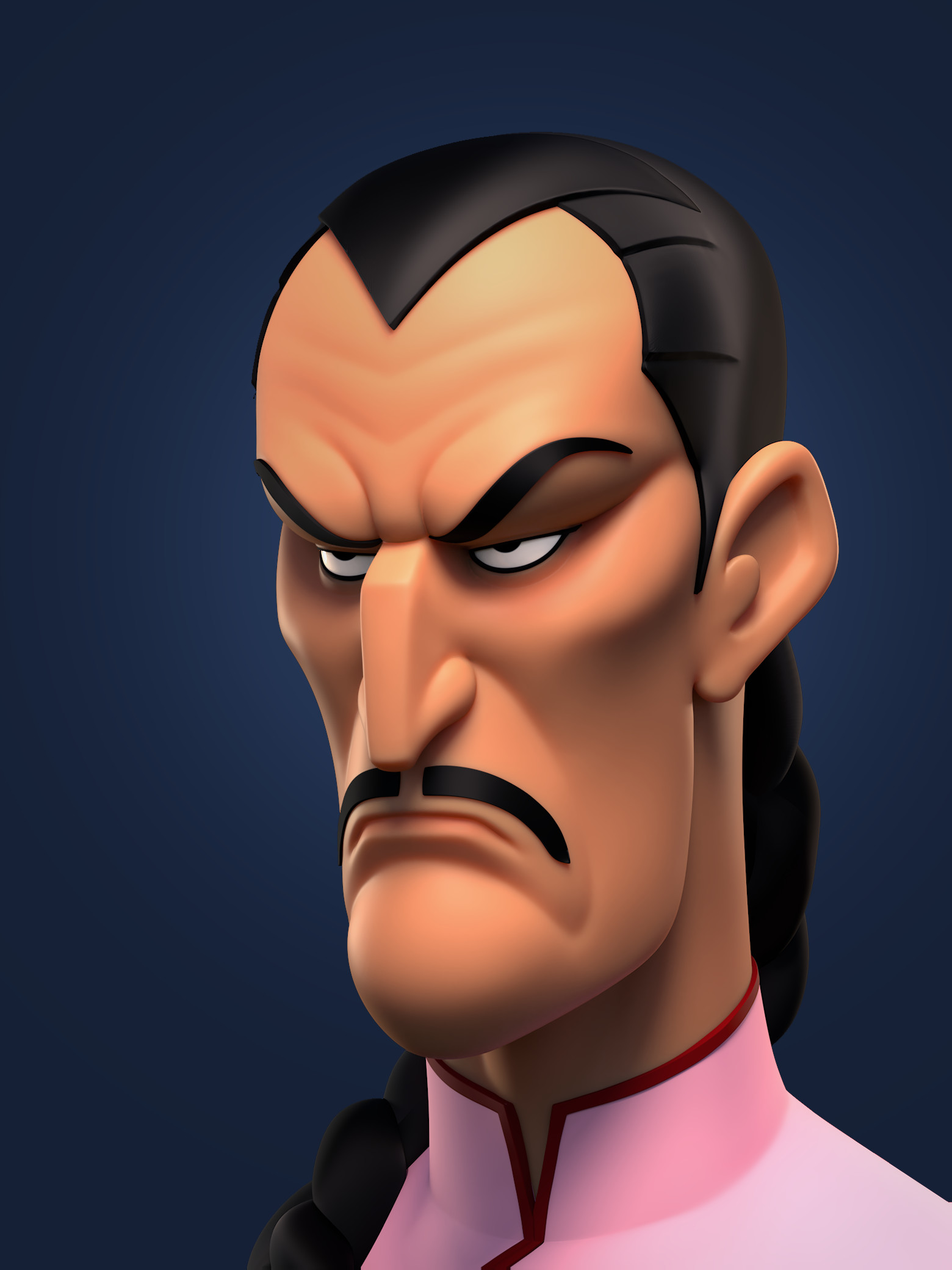
Tao Pai Pai - Final Renderman render

Tao Pai Pai - Final Renderman render
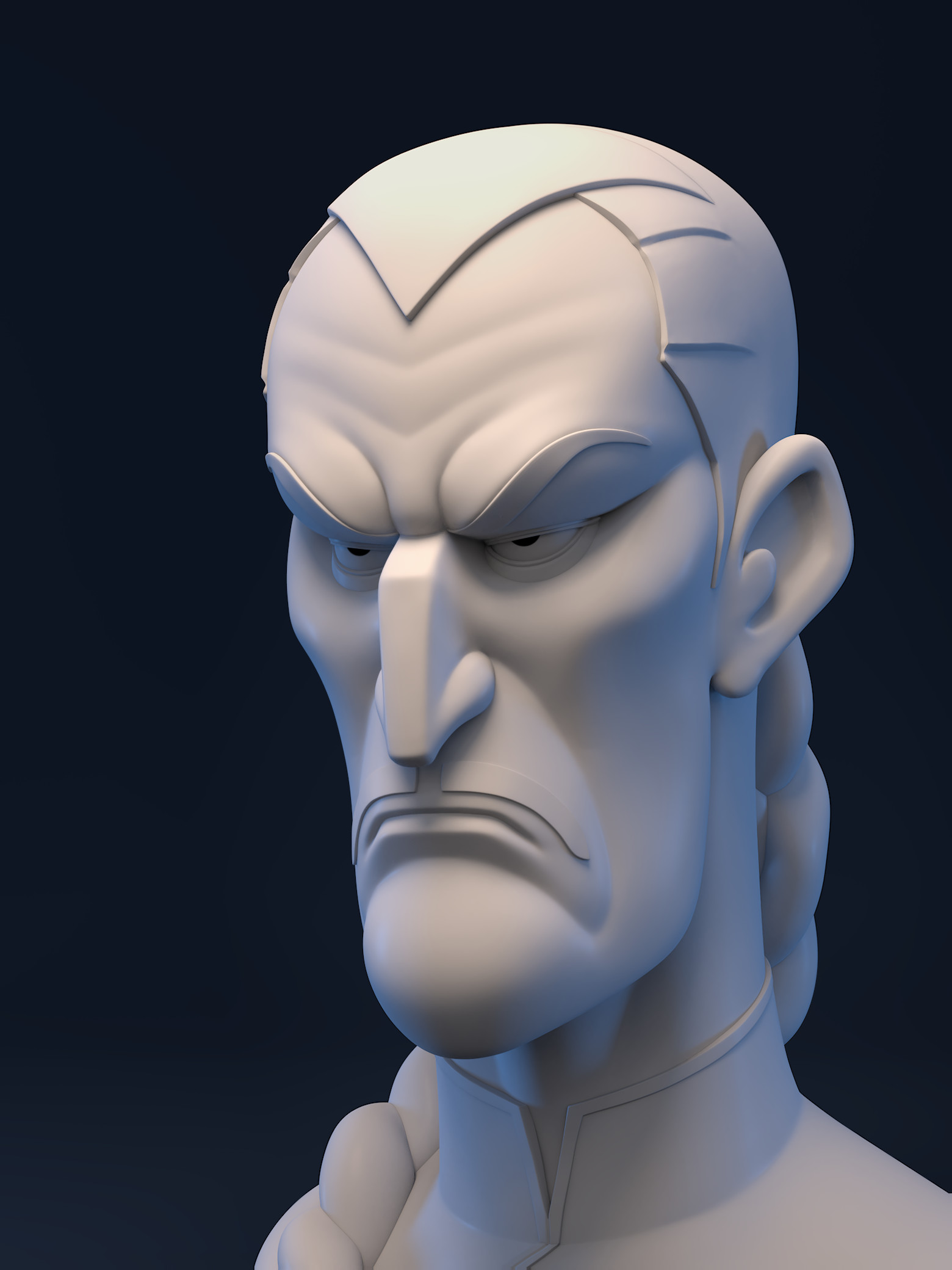
Tao Pai Pai - Renderman render

Tao Pai Pai - Front Renderman render
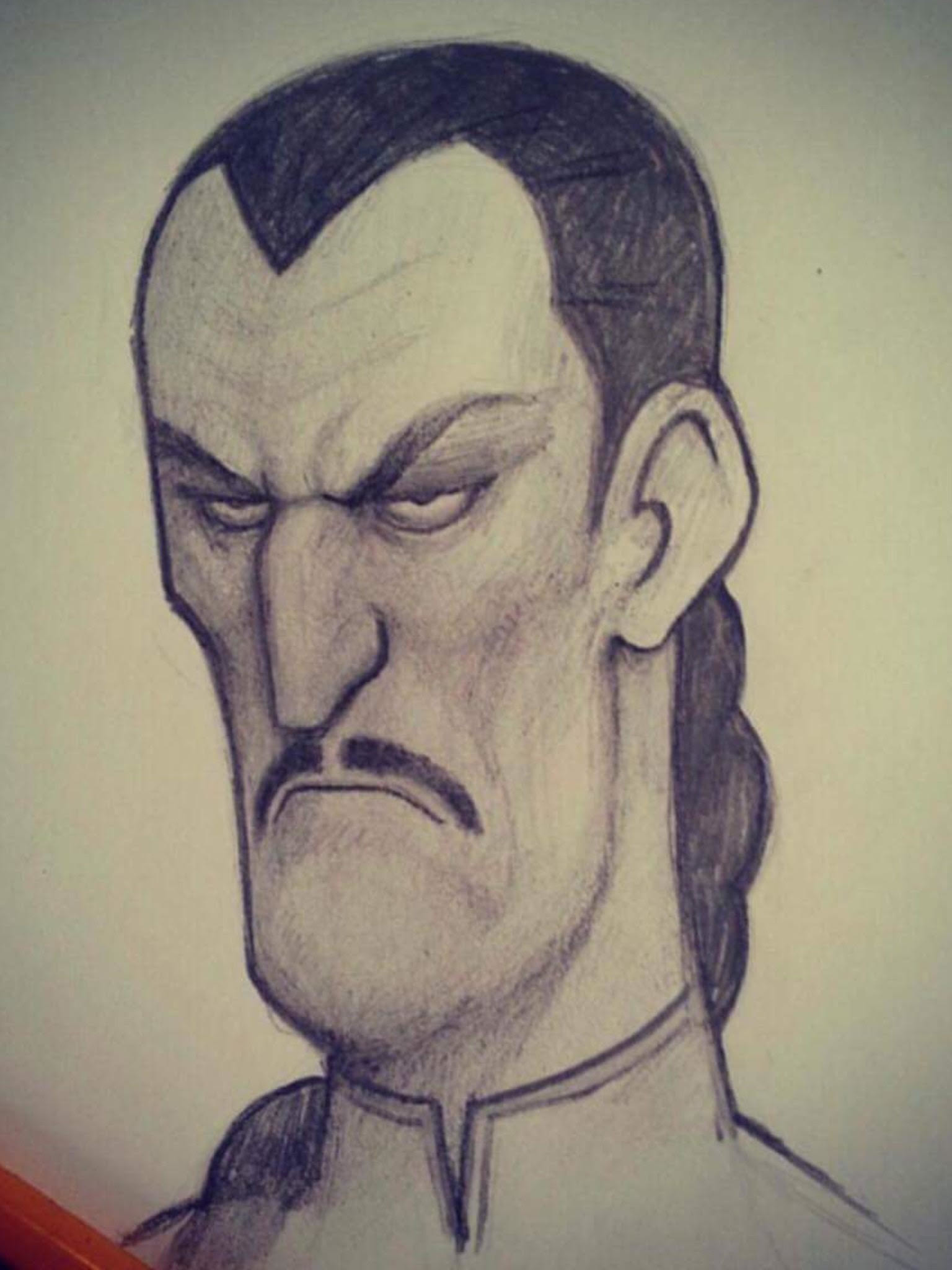
Original concept art from the great Serge Birault
PART 1 - Tao Pai Pai - Brice Laville Saint Martin
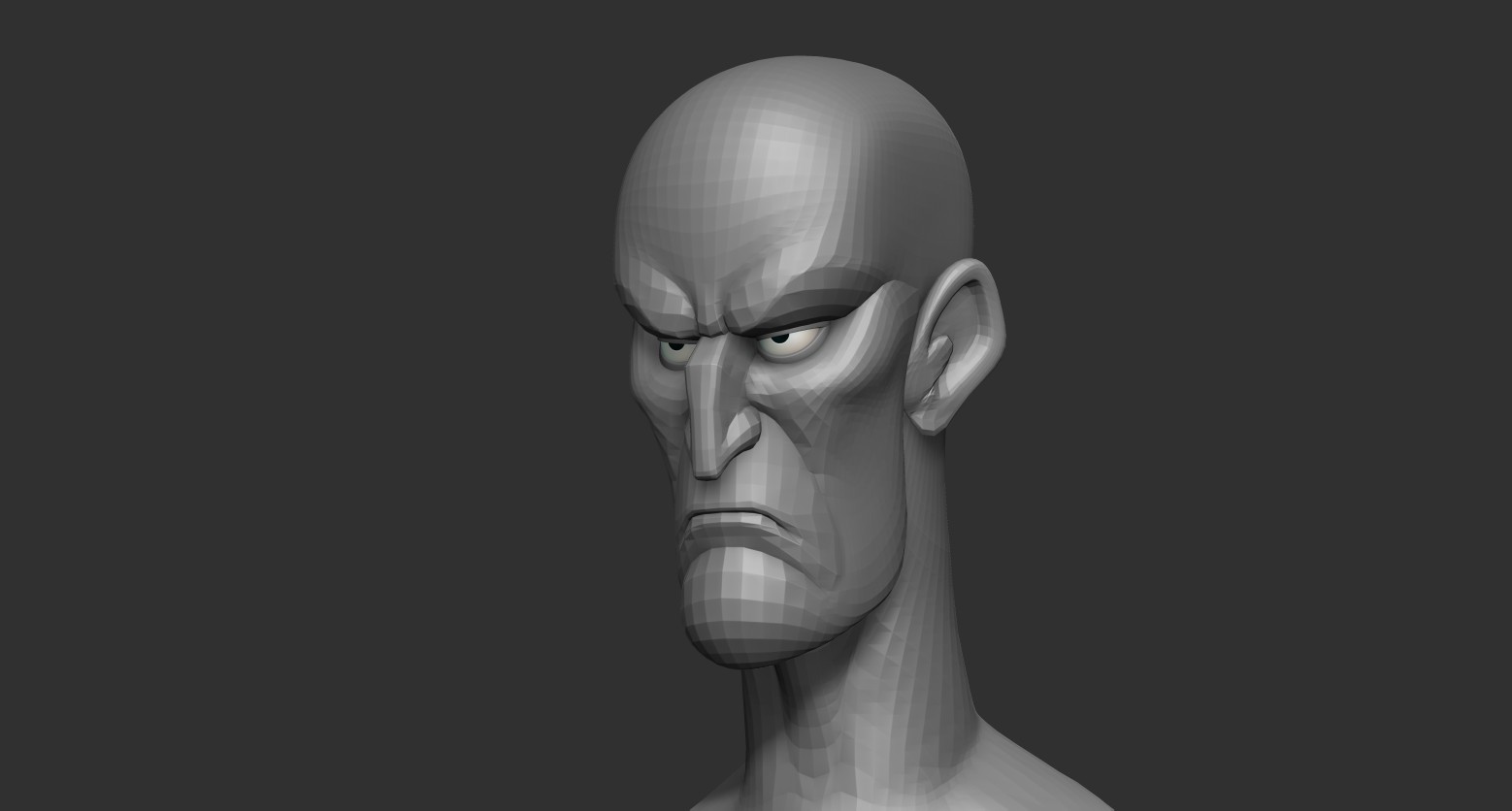
Tao Pai Pai - End of video Part 1
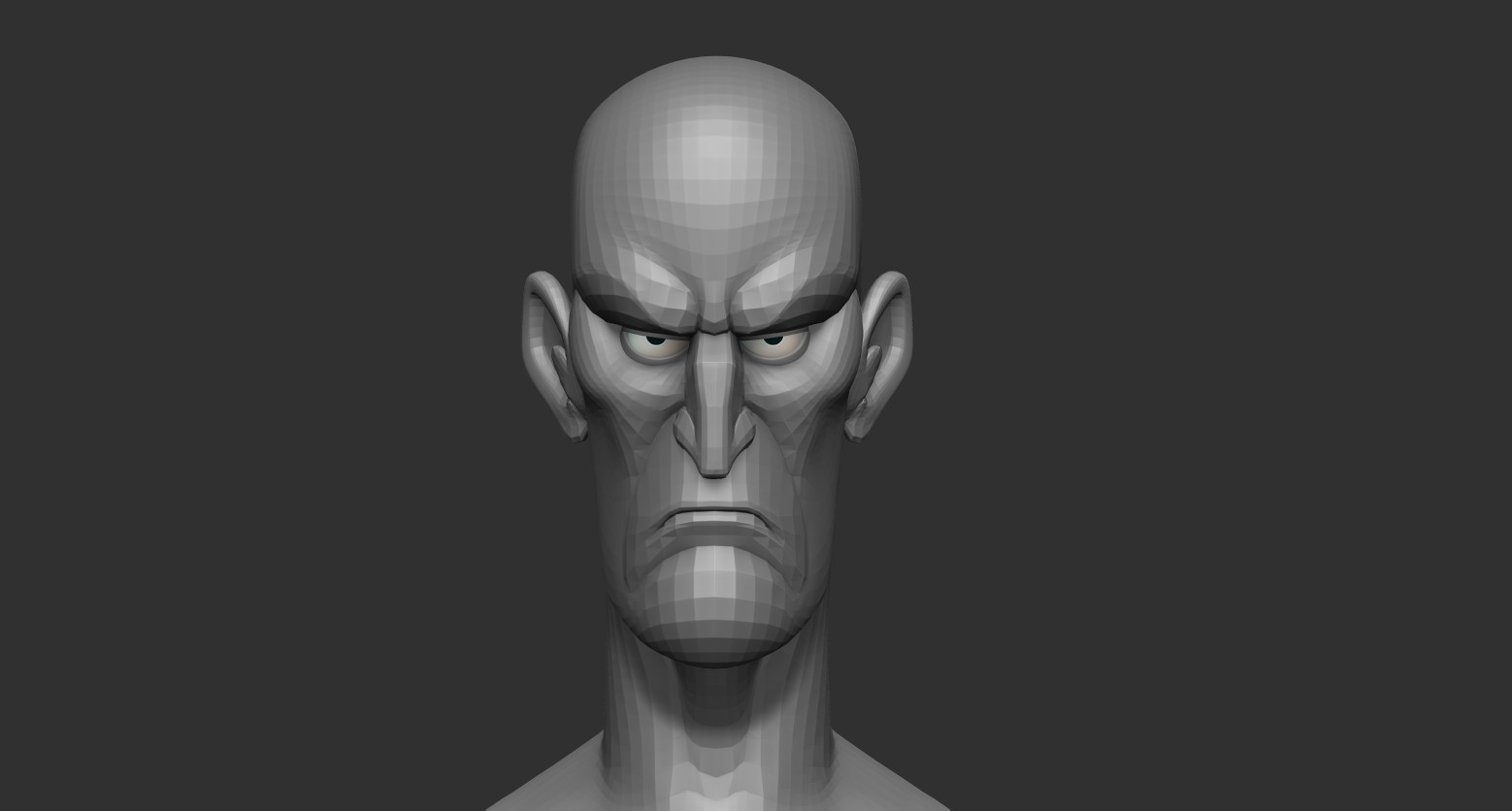
Tao Pai Pai - End of video Part 1
Part 2 - Tao Pai Pai - Brice Laville Saint Martin
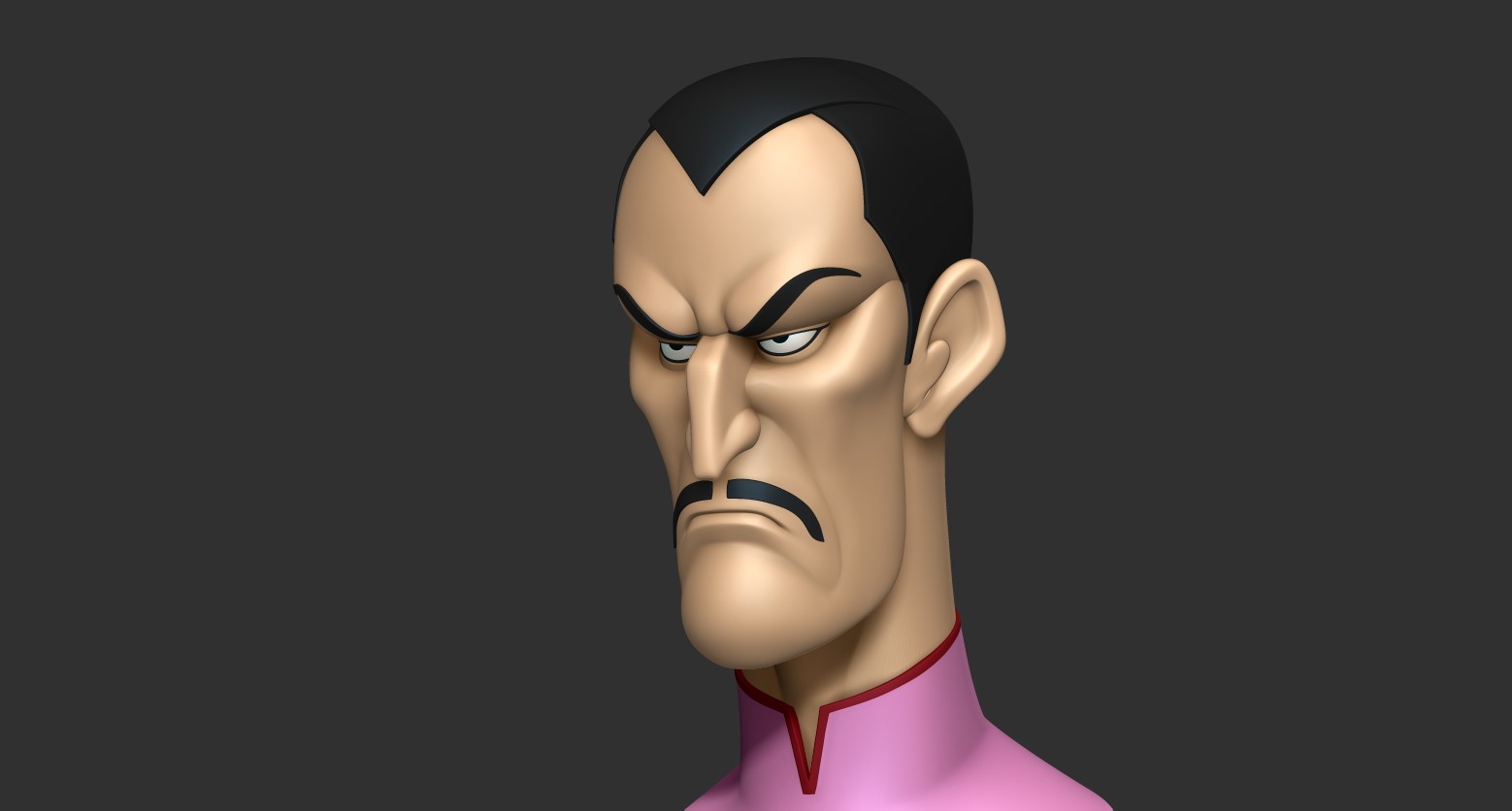
Tao Pai Pai - End of video Part 2
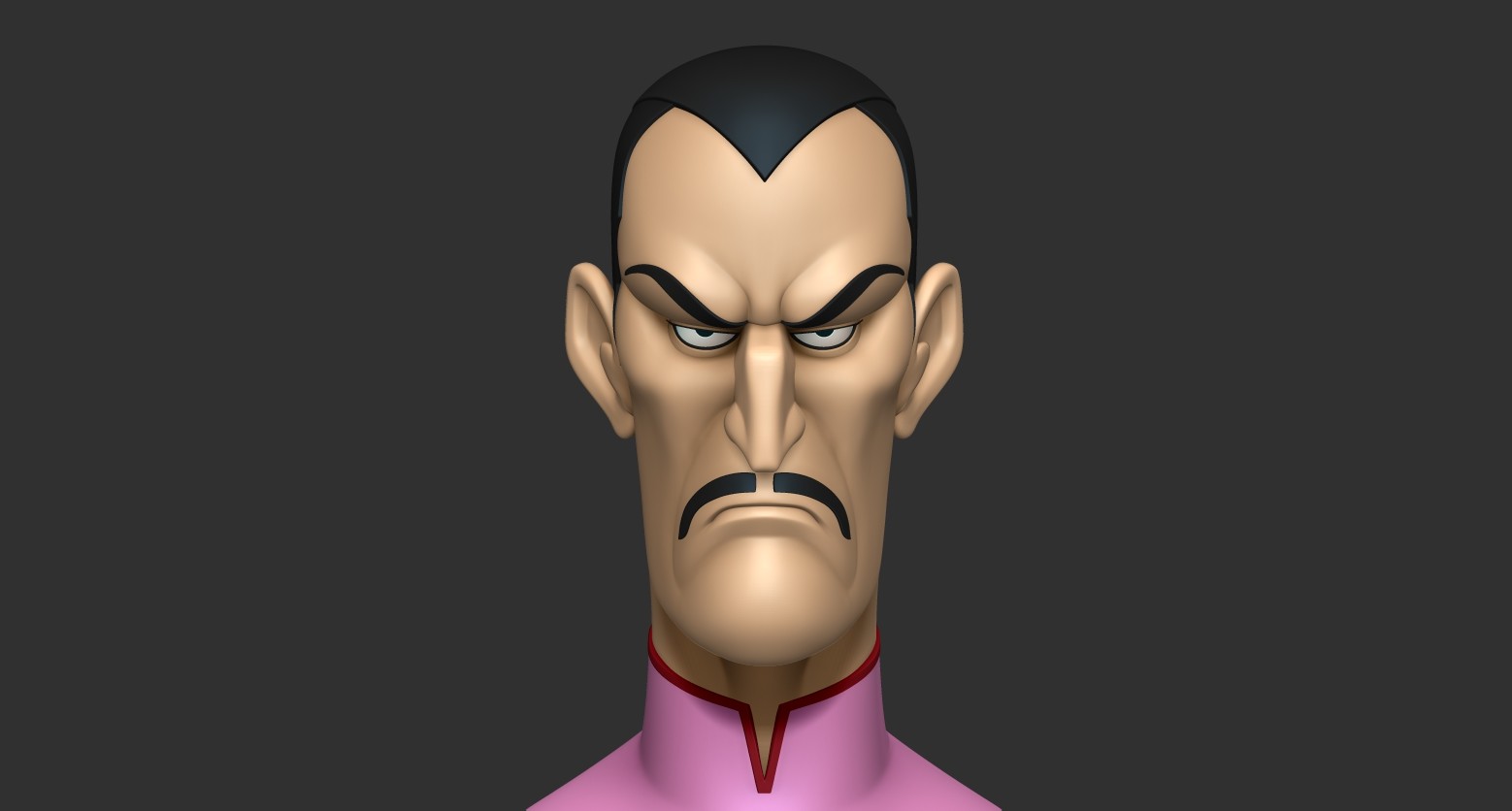
Tao Pai Pai - End of video Part 2
Part 3 - Tao Pai Pai - Brice Laville Saint Martin

Tao Pai Pai - End of video Part 3
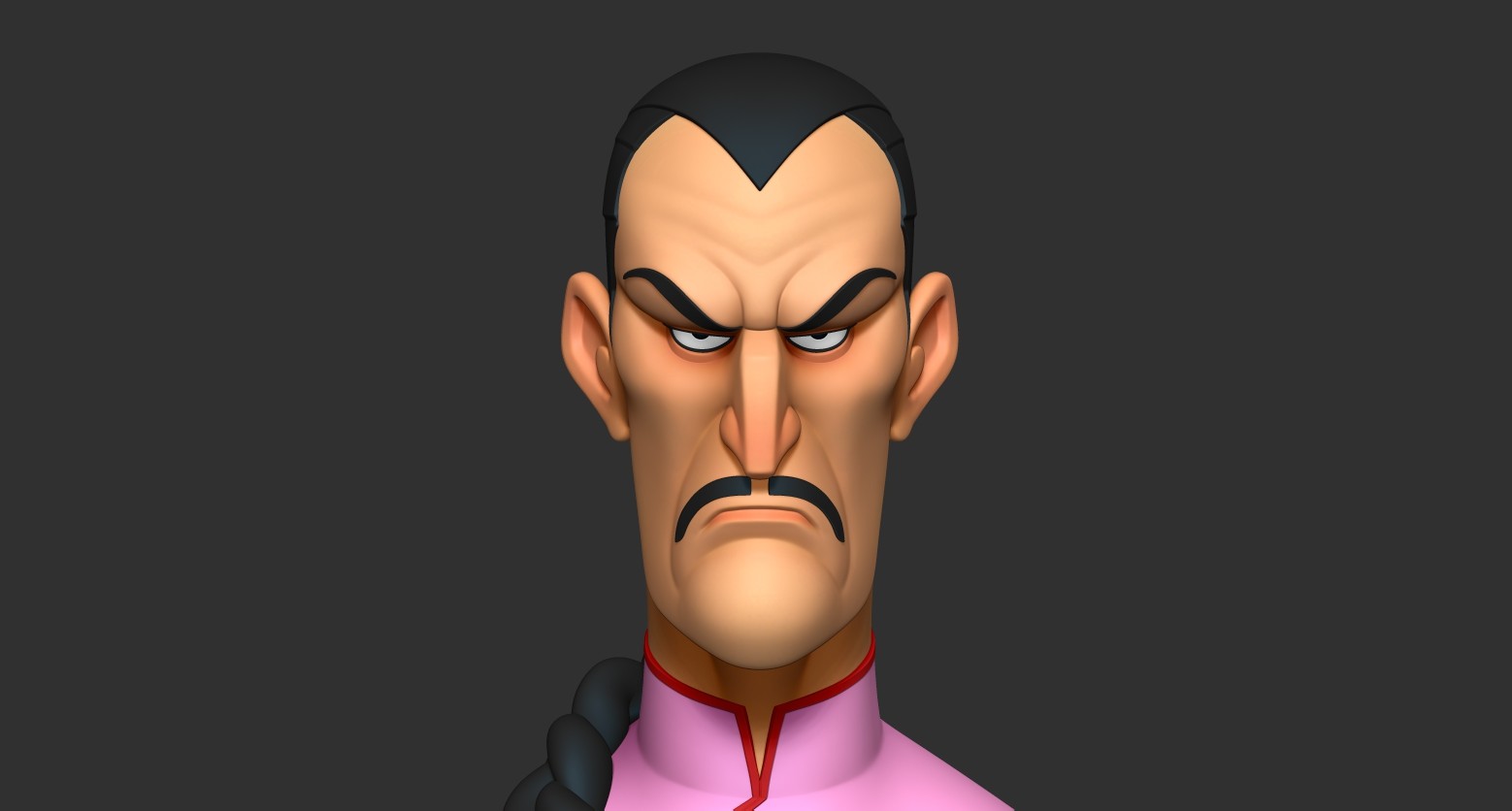
Tao Pai Pai - End of video Part 3